How To Make a Comprehensive Soccer Registration Form Template

Tim Gusweiler Last updated: May 26, 2026
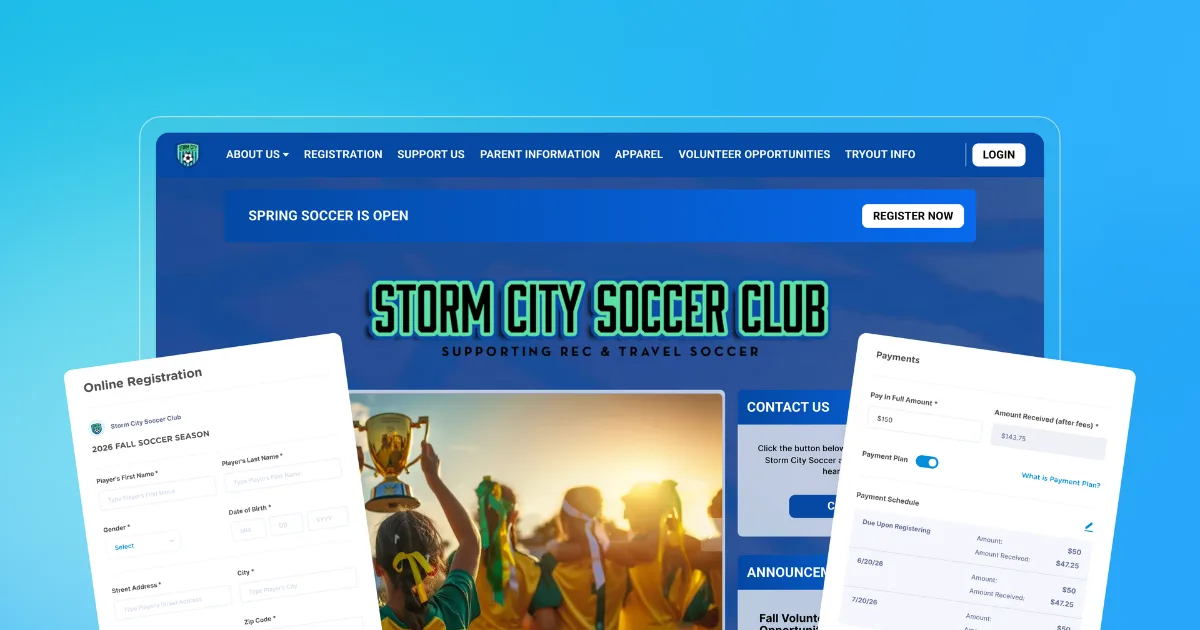
For youth soccer teams, an efficient registration process is the first step to a successful season. A comprehensive registration form makes it easy for new players to sign up, which boosts participation and overall revenue.
A good registration form also saves time for busy team managers and volunteers. When you capture everything in a single submission, you can stop chasing families down for emergency contacts or signed waivers at the last minute. The most effective registration forms collect player information and payments in a single online workflow, so you don't have to deal with manual payment processing on top of everything else.
Here's how to build a player registration form that saves your whole team time and effort.
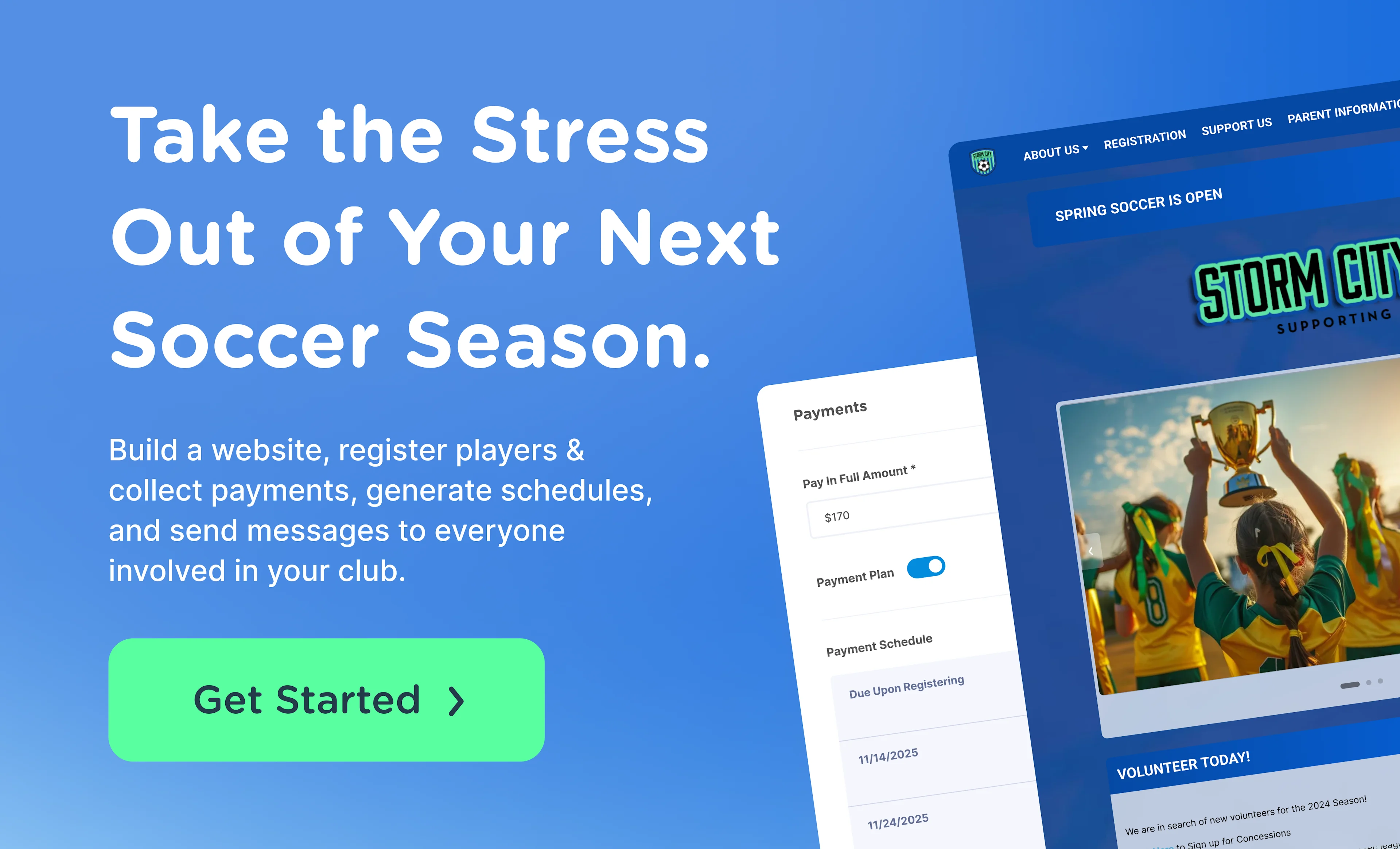
What makes an online soccer registration form comprehensive
A comprehensive soccer registration form collects all the player information you need for the season in one place. These forms cut out the need for separate waivers or consent forms and reduce the number of follow-up emails you'll need to send to busy parents. Ideally, your registration form should integrate directly with your soccer website, making it easy to find and fill out.
Some soccer registration forms only collect basic information, like the player's full name and their parent's email address. Bare-bones forms are quick to fill out, but they almost always lead to follow-up conversations throughout the season.
If a player gets sick or hurt on the field, you'll have to chase down emergency contact or medical information without that data on file. A more complete registration form that includes player details, parent/guardian contact information, emergency and medical data, digital waivers, and payment processing gives you what you need to act quickly and in the best interest of the player.
Essential fields every soccer form should capture
Your soccer registration form should capture all the information you need for a safe and successful season. Most registration platforms let you tailor questions to fit your team's needs and mark fields as required or optional.
Here are the essential fields to include in your team or league forms.
Player information
The first section of your registration form should collect essential player information, including:
- Player's full name
- Date of birth or age group
- Gender
These fields are essential for placing players on the correct team. You can also collect additional information, including:
- Home address: Helpful if your team sends out equipment or printed materials by mail.
- Shirt size: If your team provides shirts and jerseys, collect player sizes so everything fits properly.
- Prior soccer experience: For competitive or travel teams, knowing each player's background helps you build your roster.
Some soccer leagues use player ID cards or badges for facility access. If that's the case in your league, consider adding a photo upload field to your registration form. Players can upload a photo they like, and you won't have to spend time or money on team photoshoots.
Parent or guardian contacts
Before the season starts, you'll need updated contact information for each player's parent or guardian. Good contact info keeps families in the loop about schedule changes and policy updates, and means you can reach someone quickly if a player has an emergency.
Key fields to include are:
- Parent/guardian name
- Relationship to player
- Phone number
- Email addresses
- Home address
- Secondary phone number
Families are busy, and a player's primary parent isn't always reachable in an emergency. Collecting information for a second or even third contact goes a long way toward making sure someone's available when you need them.
Emergency and medical information
Collecting basic medical information at the start of the season means you're prepared if something unexpected happens. Players can get injured, get sick, or have an allergic reaction on the field. Having this information ahead of time helps you get them the care they need quickly.
Essential fields to include:
- Primary care provider's name
- Primary care provider's phone number and office location
- Insurance provider
- Preferred hospital
- Existing medical conditions
- Known allergies
- Current medications (frequency and dose)
- Required medical treatment
- Emergency contact information (if different from primary parent/guardian)
- Medical consent checkbox
Age group or governing body ID
Some soccer leagues require players to register with a governing body before they can join. Many leagues are part of US Club Soccer, for example.
If that's the case for your team, include a field on your registration form for players to enter their US Club Soccer ID (or the ID of whichever governing body you work with). Returning players won't have to re-register, and there's less paperwork for everyone.
Many sports governing bodies also have pre-defined age groups for players. A dropdown list on your registration form lets players select the right age group without any back-and-forth.
Add payments and discounts
Instead of managing registration and payments separately, consider using digital tools to handle both in the same form. That's more convenient for busy parents, who can wrap up the entire registration in one session. It's also easier on your end: you can see at a glance who has and hasn't paid and send follow-ups when needed.
Here are payment fields to include in your registration form.
Registration fees
Your registration form should include a section that breaks down the fees and what's included. If your base registration fee covers league fees, facility fees, uniforms, and equipment rentals, spell that out clearly to prevent confusion.
This section should also have fields for parents to enter their payment information. If your league or team has multiple fee structures, include a dropdown menu where parents can select the tier that applies to them.
Some leagues have different fees for recreational and competitive players. Some also give players the option to register for fall, spring, or both, with different pricing for each.
If your team charges add-on fees for certain features or benefits, include them here as well. Say your team charges transportation fees to cover bus rides to travel games. An optional field lets families pay upfront or opt out if they'll be handling their own transportation.
Sibling or multi-player discounts
Many families have more than one child who plays soccer. Offering a discount for families with multiple kids in the program gives them an extra reason to sign up. For example, you might charge $100 for the first player and $75 for each additional sibling.
If your team offers these discounts, include a field on your registration form where parents can opt in. Many sports registration software programs have built-in discount options, so you don't have to do the math manually.
Optional donations
Your registration form is a good opportunity to raise some funds before the season begins. Donations can help cover scholarships, facility improvements, or equipment replacements.
Many families are happy to contribute when asked at checkout, so include an optional donation section in your form. Keep the language friendly and low-pressure since everyone's financial situation is different. Even small donations add up over time.
You can also add a volunteer interest checkbox to this section. Families who can't donate may still want to get involved. It's an easy way to gauge interest before the season starts.
Brand the form so it matches your club website
Adding your team's logo and colors to your registration form helps build trust with families who are new to your organization. When your team website and registration form look like they belong together, families know they're in the right place.
To give your registration form a more professional feel, add a header with your team name and logo and incorporate your team colors. You can also include a short welcome message with anything else families need to know before signing up. Before you share the form, open it on both desktop and mobile to make sure the branded elements display the way you expect.
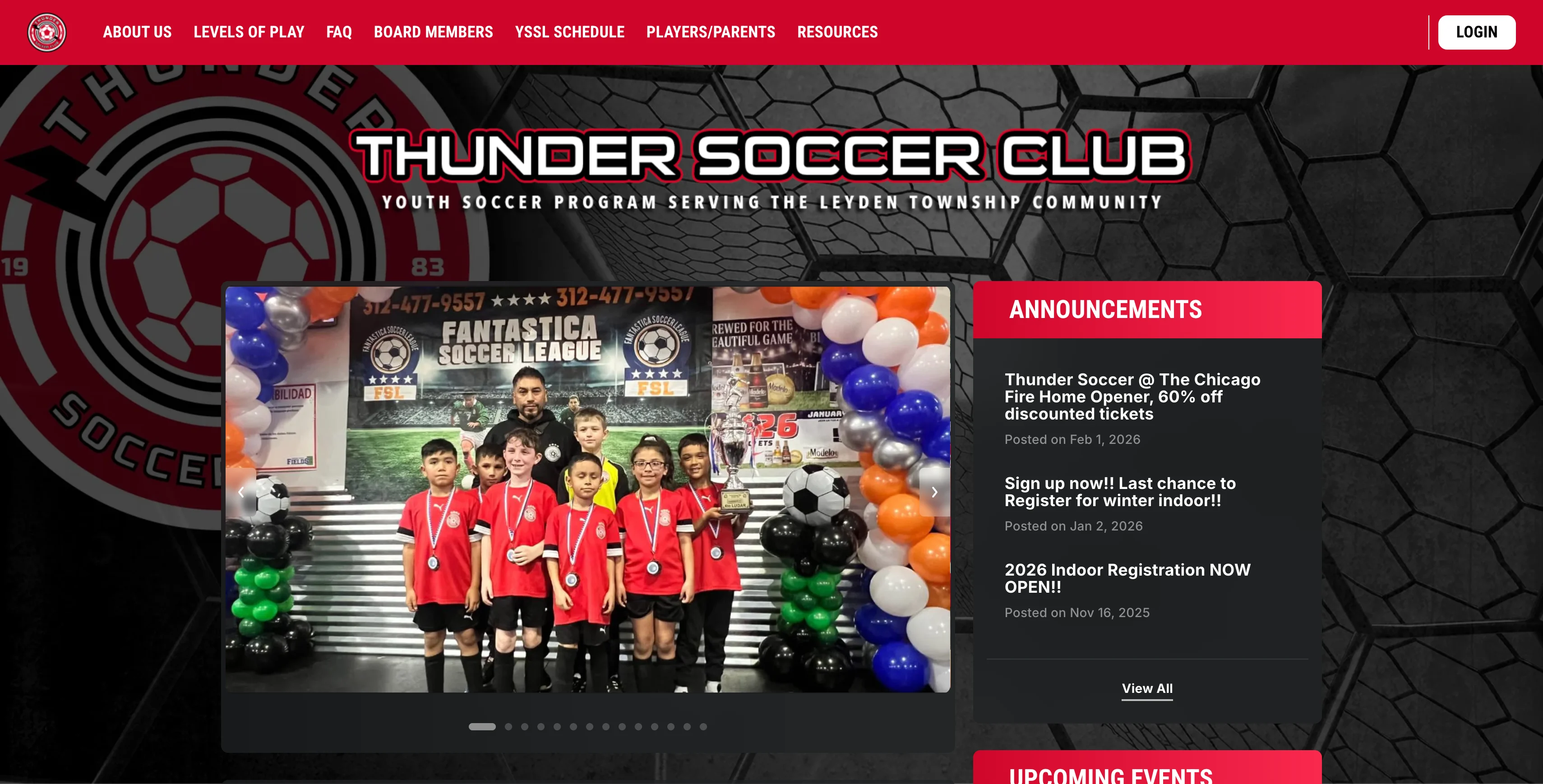
A soccer website built on Jersey Watch
3 quick tests before you open registration
Before you launch, run a few simple tests to catch any issues before they become problems. Here's what to check before your form goes public.
1. Mobile usability check
Many parents will complete registration on their phones. In fact, 16% of adults only access the internet on their smartphones.
Your registration form needs to work well on small screens to be accessible. Complete a full registration from start to finish on a mobile device and note anything that feels off, like broken layouts or buttons that are too small to tap.
A good mobile form has a single-column layout with readable fonts and large tap targets. It should also load just as quickly on a phone as it does on a desktop. If your form is hard to use on mobile, some parents won't finish signing up, which affects your participation numbers.
2. Payment flow test
Make sure your payment processing works the way it should. Process a small test payment to confirm the checkout runs smoothly and the funds arrive in your team account. If your team has multiple fee structures or offers discounts, test each one to be sure.
3. Confirmation email review
Families should get a confirmation email as soon as they submit their registration. It lets parents know their payment went through and gives everyone a paper trail if any questions come up later.
Run a test registration to confirm the email is working. It should include a summary of the registration details such as payment method, name of the participant and email address associated with the athlete. A clear confirmation email can cut down on a lot of follow-up for busy administrators.
Sharing the form and tracking sign-ups in real time
Once your online registration form is ready, you can start sharing it with players and their families. Send a direct link by email, embed it on your club website, or post it on social media.
If your platform supports it, set up real-time tracking so new players are automatically added to your system once they've completed registration and payment.
Bring your form, website, and team communication together
A comprehensive soccer registration form makes the sign-up process easier for everyone involved. Families can take care of everything in one session instead of bouncing between multiple forms. Your administrators spend less time on manual work and fewer follow-ups.
With Jersey Watch, you can build an online registration process tailored to your team. Registration connects with your website, team scheduler, and communication tools so everything stays in one place.
Sign up for Jersey Watch today to make team registration simple and easy.
FAQs
How do you reopen the form for late sign-ups?
Most registration platforms let you toggle the form back to an open status after the deadline. Set a new closing date and share the link with families who missed the original window. That way you don't lose registrations from families who just needed a little extra time.
Can you copy last season's soccer form instead of starting over?
Yes, duplicating a previous form saves time and helps make sure you don't overlook important fields. Review the copied form to update dates, fees, and any new requirements before publishing. You get to build on what worked last season without starting from scratch.
Is there a way to collect uniform sizes during sign-up?
Yes. Add a dropdown field with sizes (Youth S, Youth M, Youth L, Adult S, etc.) so families can select a size during registration. This removes the need for separate size surveys and speeds up uniform ordering. Collecting sizes upfront also helps you place accurate orders and avoid last-minute scrambling.

Tim GusweilerCo-Founder / CEO
Tim is the Co-Founder of Jersey Watch, where he works with the product, marketing, and customer support teams to build software for youth sports organizations. He writes about youth sports management based on years of experience working with league administrators, coaches, and volunteers, along with a lifelong passion for sports.


