What's the Best Sports Team Communication App for Coaches to Rely On?

Sierra Swigert Last updated: July 9, 2026
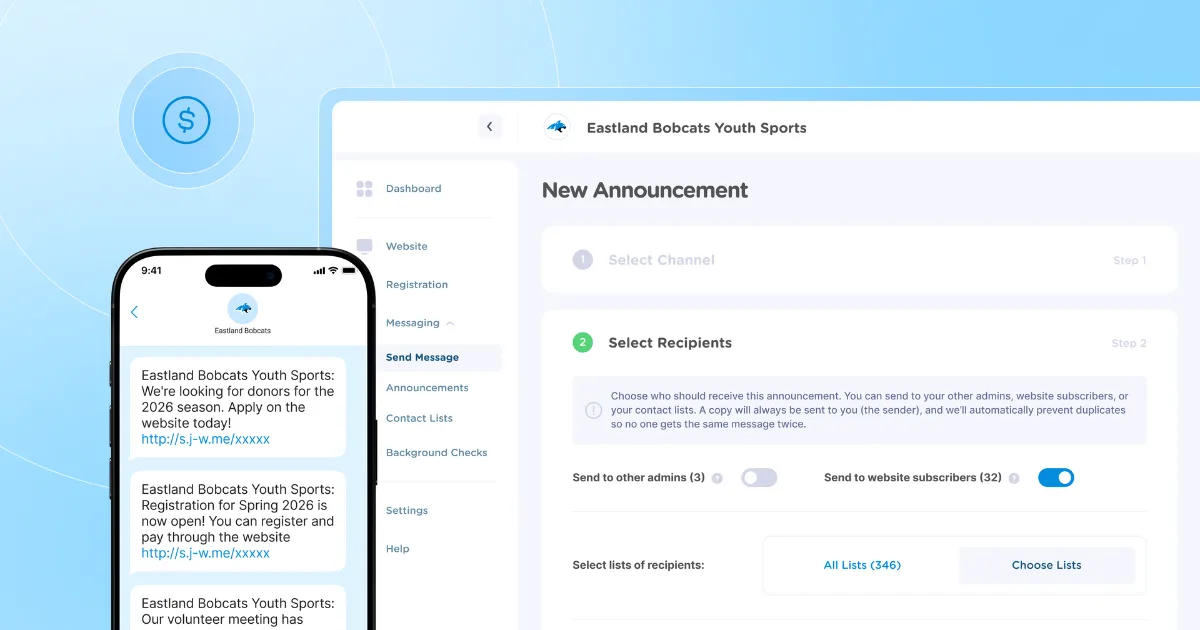
You've already decided that group texts and reply-all email chains aren't cutting it anymore. Now you're trying to figure out which sports team communication app is worth your time and your league's money.
That's a fair place to be. Most league commissioners and coaches don't land here because they're curious about technology. They land here after a Saturday-morning rainout, when half the families showed up anyway, or after a schedule change that got buried in a thread nobody reads anymore.
The options aren't hard to find. The hard part is knowing which one fits your situation. A 12-player travel team has very different needs than a rec league running four age divisions and a spring registration window.
This breakdown will help you narrow the field. You'll walk away knowing which features matter most, how to match a tool to your budget and organization size, and which apps deserve a closer look.

Why your team needs a dedicated app
When updates live across texts, emails, and Facebook groups, things fall through the cracks. A volunteer commissioner scrambling to alert five teams about a same-day field closure shouldn't have to send three separate messages and still wonder who saw them.
A dedicated app keeps schedules, rainouts, and family updates in one place. Instead of bouncing between texts, emails, and social media posts to communicate with parents, everyone knows where to look for updates.
Centralized messaging beats scattered group texts
When comparing apps, look for targeted messaging: the ability to reach specific teams, divisions, or age groups without creating new threads each time.
Think about a family with kids in two divisions. They should receive only relevant updates for each child, not duplicate announcements for both.
Good apps support one-to-many announcements and role-based lists. That's the difference between organized communication and a chaotic group chat nobody reads.
Schedule management in one shared place
When comparing apps, check whether schedules update in real time and whether families can see changes without having to hunt through old texts.
Say a Saturday game gets pushed back two hours due to weather. With a shared calendar, parents check one place and see the updated time immediately. Coaches avoid sending follow-up messages, and everyone stays on the same page.
Look for live updates, shared calendars, and RSVP tools.
Privacy and safety for youth organizations
According to the U.S. Center for SafeSport's guidance on communicating with minor athletes, communication between adult and youth participants should remain open and transparent, meaning a parent or another adult should be included. Organizations should evaluate whether group chat tools provide the visibility and oversight to support SafeSport communication guidelines.
Open group chats where any adult can message any participant may create challenges for youth organizations. Leagues that collect registration information from families with children under 13 should also understand how the Children's Online Privacy Protection Act (COPPA) applies to the platforms handling that data.
Before committing to a communication tool, check whether it lets admins control who can message whom and whether parent contact details are visible only to authorized staff.
A recreational soccer league, for example, needs parents to receive game alerts without exposing their phone numbers to every other adult in the group.
Communication-only vs. full platform: Know the difference
Before comparing tools, ask yourself one question: Do you need only messaging, or do you also need registration, payments, and scheduling?
A coach running a 12-player travel team can get by with a group chat app. A rec league commissioner managing 200 players across six age groups, with seasonal registration windows and fee collection, typically needs a full platform, not just a chat thread.
Quick self-check:
- Only need to message families? A communication-only tool works.
- Collecting registrations, payments, or managing a website, too? You’ll likely benefit from an all-in-one platform.
Skipping this step often means starting with a chat app, then adding separate tools later for registration, payments, scheduling, and other administrative tasks. Decide the scope first, then shop.
How to choose the right app for your league
The best app is the one that fits your league, not the one with the most features. Before comparing options, write down how many participants, teams, admins, and communication groups you need to manage.
A volunteer board preparing for spring registration, for example, should filter options first by budget and registration needs, then by ease of setup.
Consider your organization’s size and structure
A 12-player travel team needs a simple group chat. A 500-participant spring rec league needs role-based messaging, division-level announcements, and admin controls.
Before picking a tool, map your communication layers. How many teams, divisions, and age groups do you manage? A club director overseeing U8 through U14 programs across six coaches needs segmentation that a basic team app simply won't support.
Match features to your budget
Free chat apps cost nothing upfront. But if your treasurer is still chasing payments by text and manually tracking registrations in a spreadsheet, that "free" tool may be costing valuable volunteer time every week.
Ask two questions before choosing: What's the monthly cost? And how much admin time does it save?
Platforms that combine communication, registration, and payments can sometimes cost less overall than managing multiple separate tools.
Think about technical comfort level
Most league admins are volunteers, not IT staff. If setup takes hours or requires a laptop to manage, coaches may not use it consistently during the season.
Ask yourself: can a coach update a canceled practice from the sideline on their phone? If the answer isn't an easy yes, that tool may create more work than it saves.
Quick comparison: Apps at a glance
App | Best for | Pricing model | Platform type |
Jersey Watch | Multi-team volunteer-run league management | Flat fee paid annually | Full platform (website, registration, payments, communication) |
TeamSnap | Single-team scheduling | Subscription per team | Team management |
SportsEngine | Large club administration | Custom pricing | Full platform |
sportsYou | School teams and coaches | Free / paid tiers | Communication + scheduling |
Stack Team App | Branded app experience | Free (ad-supported) / paid tiers | Team management |
Heja | Single-coach recreational teams | Free / paid tiers | Communication only |
Teamer | Casual adult clubs | Free / paid tiers | Communication + attendance |
SportEasy | European amateur clubs | Paid (pricing in euros) | Team management |
WhatsApp | Small informal groups | Free | Communication only |
If your league only needs group messaging, a free communication app may be enough. If you're managing registrations, payments, and schedules across multiple teams, you'll likely want a full platform from the start.
Managing multiple teams and looking to simplify operations? Jersey Watch is one option worth evaluating.
9 best sports team communication apps
If you coach one team, start with lighter tools. If you run a full league, focus on platforms that handle more. Each entry below includes a "best for" label so you can quickly identify the options that fit your needs.
1. Jersey Watch
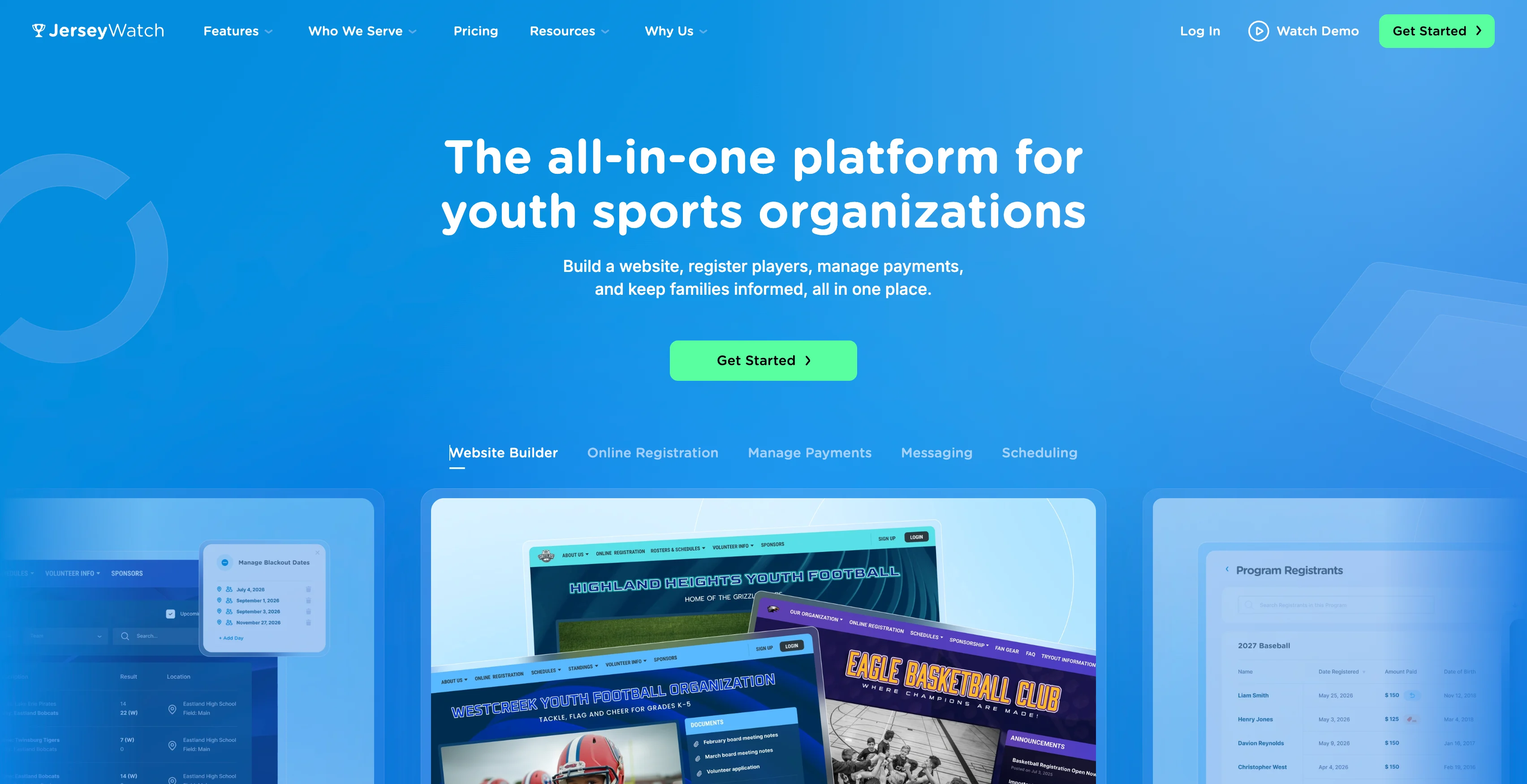
Best for: Volunteer-run leagues and clubs that need registration, payment collection, website tools, scheduling, and messaging in one place.
Designed with busy volunteers in mind, Jersey Watch simplifies the day-to-day tasks of running a youth sports organization without requiring technical experience.
One club director put it simply: "Jersey Watch makes our registration and communication easy! Everything is accessible with one account, from registering 130+ athletes to communicating via text and email with our club."
That type of setup works especially well for organizations with 50-500 athletes that have multiple age groups or seasonal programs. Instead of juggling separate tools, administrators can handle key league operations from a single dashboard.
What you get when you sign up:
- Online registration and payment collection
- A league website you can build without technical skills
- Text and email messaging tools to keep families informed
- Scheduling and standings management
Create your account for free to explore all of the features. When you’re ready to launch, get your first month for just $19, including full-service website and online registration setup from their team. After the first month, pay $348 to keep your website and registration for the year.
2. TeamSnap
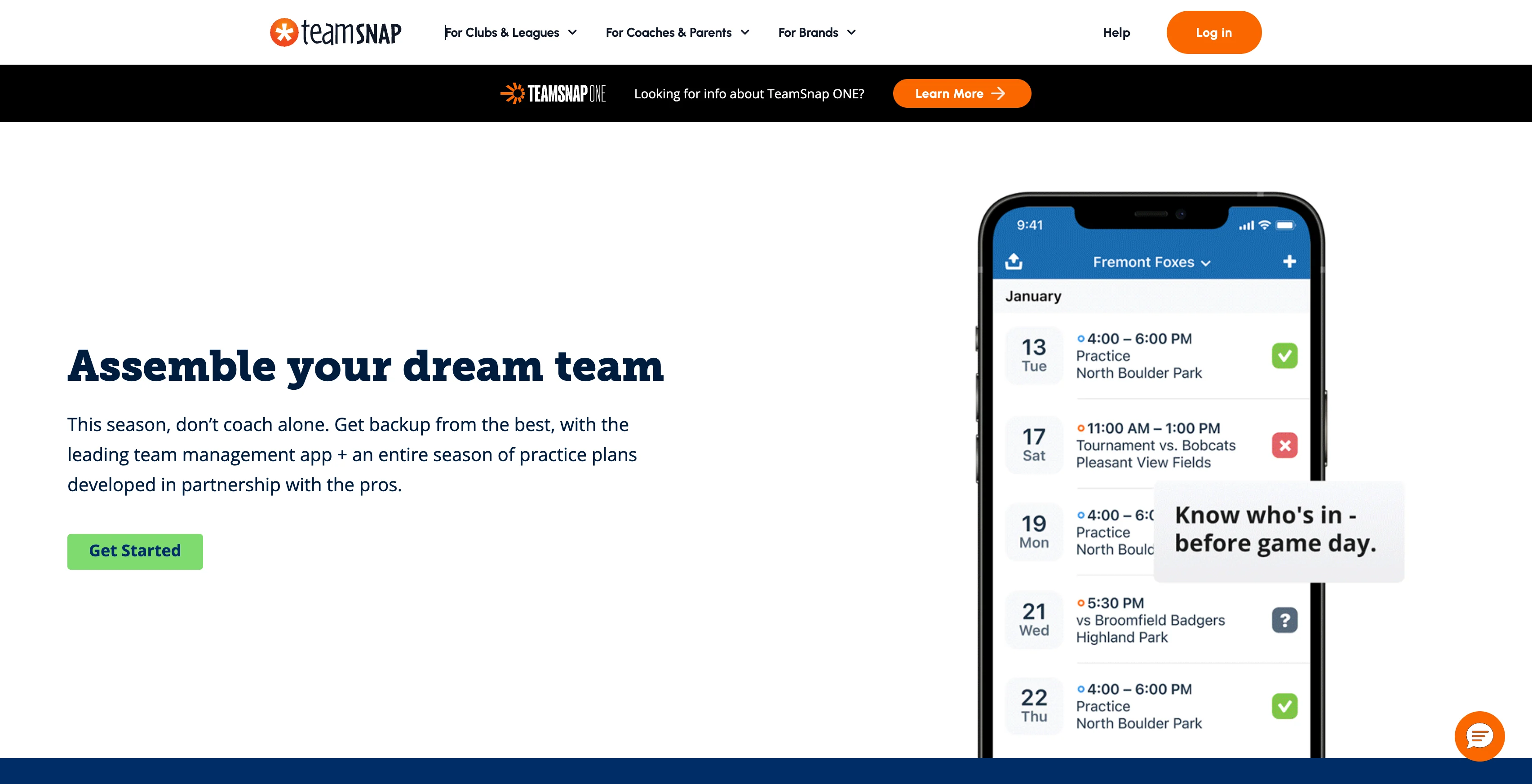
Best for: Individual travel teams or single-sport coaches who want simple scheduling and family communication in one app.
TeamSnap works well when you're coordinating a single team. A travel baseball coach, for example, can post game schedules, send availability requests, and message parents from a familiar, easy-to-use interface.
Things can get more complicated at the league level. TeamSnap's pricing is structured per team, so costs can increase as organizations add more teams under one umbrella. TeamSnap ONE is
Before committing, map out your total team count. For a single travel team, TeamSnap may be a great fit. For league directors overseeing multiple divisions, it’s worth reviewing the total cost of across the organization before making a decision.
3. SportsEngine
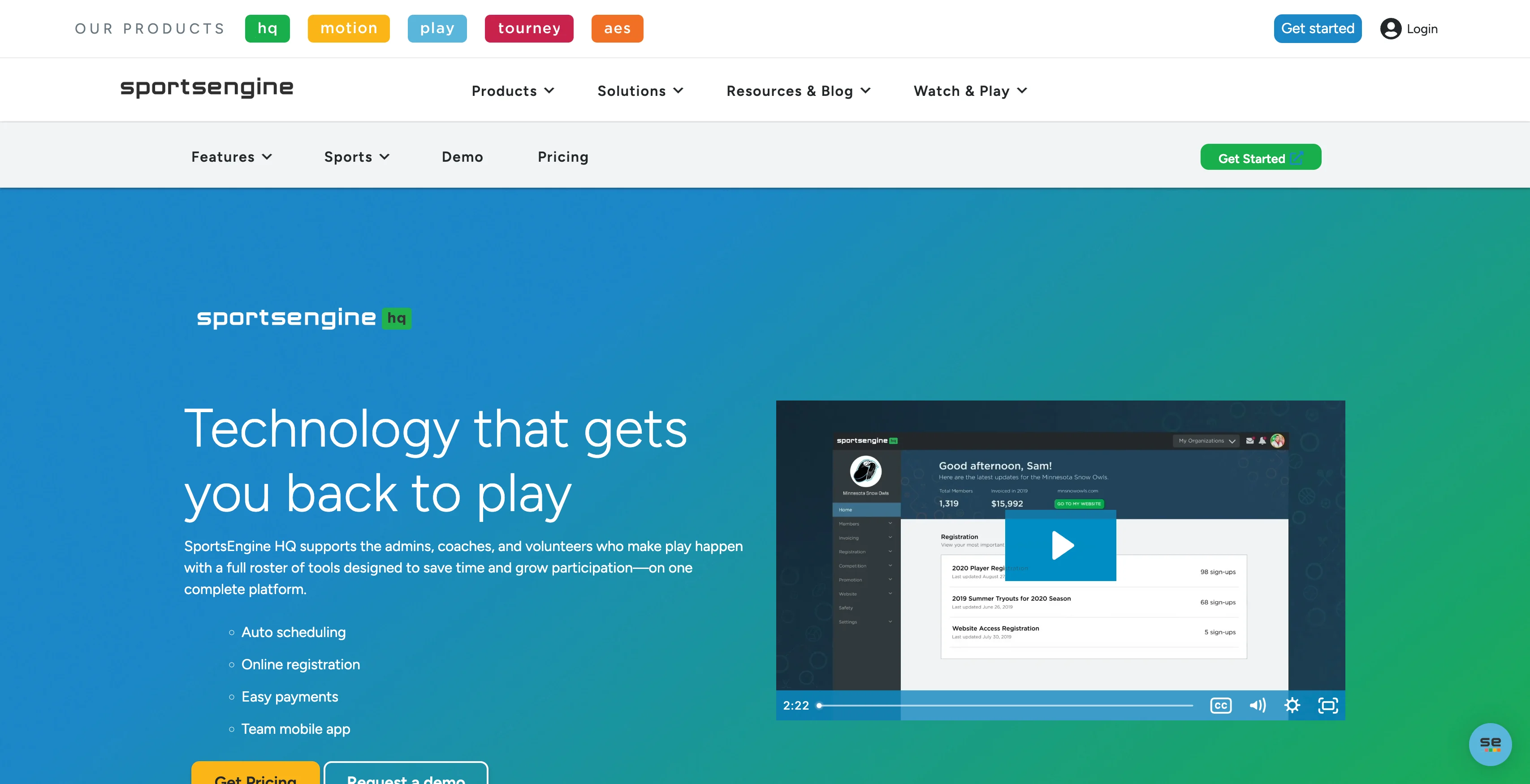
Best for: Larger, more formal associations with complex scheduling and compliance needs.
SportsEngine is a full-featured platform built for organizations running multi-team associations with advanced rostering, background checks, and payment tools. A regional soccer association with more than 40 teams across several age divisions may find real value in that depth.
Smaller programs may not need that level of complexity. A neighborhood rec league running one season a year probably won't use every feature and may feel the impact of the setup process and pricing before seeing the full benefit.
If you're evaluating whether SportsEngine fits your league, it helps to map your needs first. Check out this roundup of sports team management software to compare options side by side before committing to a platform that may offer more than your program needs today.
4. sportsYou

Best for: School teams and coaches who need simple communication tools rather than full league management.
sportsYou works well for team-level coordination. Think of a high school varsity coach sending practice updates, sharing game film, and keeping schedules organized in one place.
The platform also emphasizes school safety and student data privacy, which can help programs navigate the institutional requirements and data protection policies that schools often need to satisfy before adopting any new communication tool.
If your primary needs are announcements, group chats, and file sharing, it's worth considering. Leagues that require registration, payment collection, or a public-facing website will likely need additional tools.
5. Stack Team App
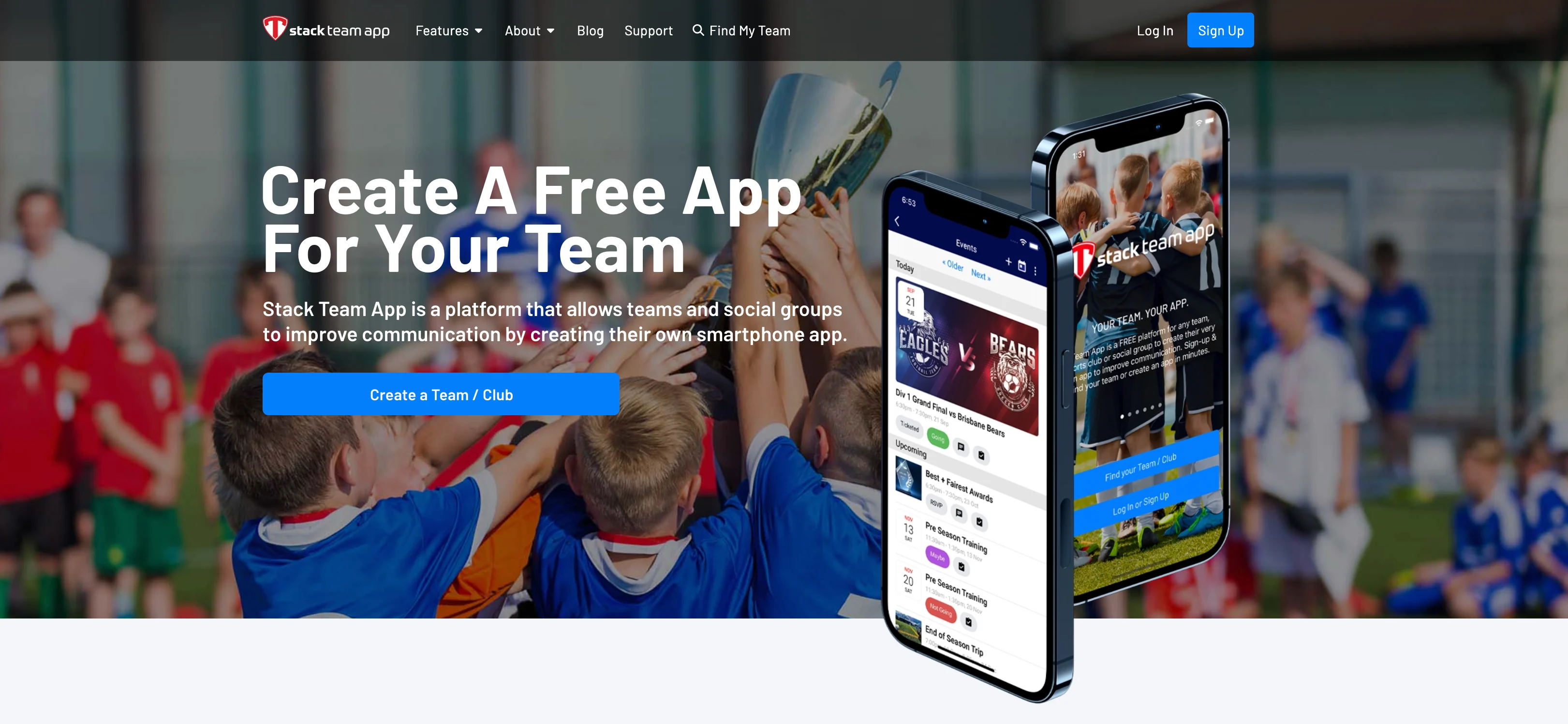
Best for: Teams that want a branded smartphone app experience for communication and scheduling.
Stack Team App allows clubs to create a customized, public-facing presence with built-in messaging and roster tools, as well as registration and payment features. A travel soccer club looking for a branded app experience for parent communication may find it appealing.
The free plan is ad-supported, with a paid option to remove ads. Setup can take some time. Before committing, review current pricing and plan details directly on the Stack Team App website, as offerings can change.
6. Heja
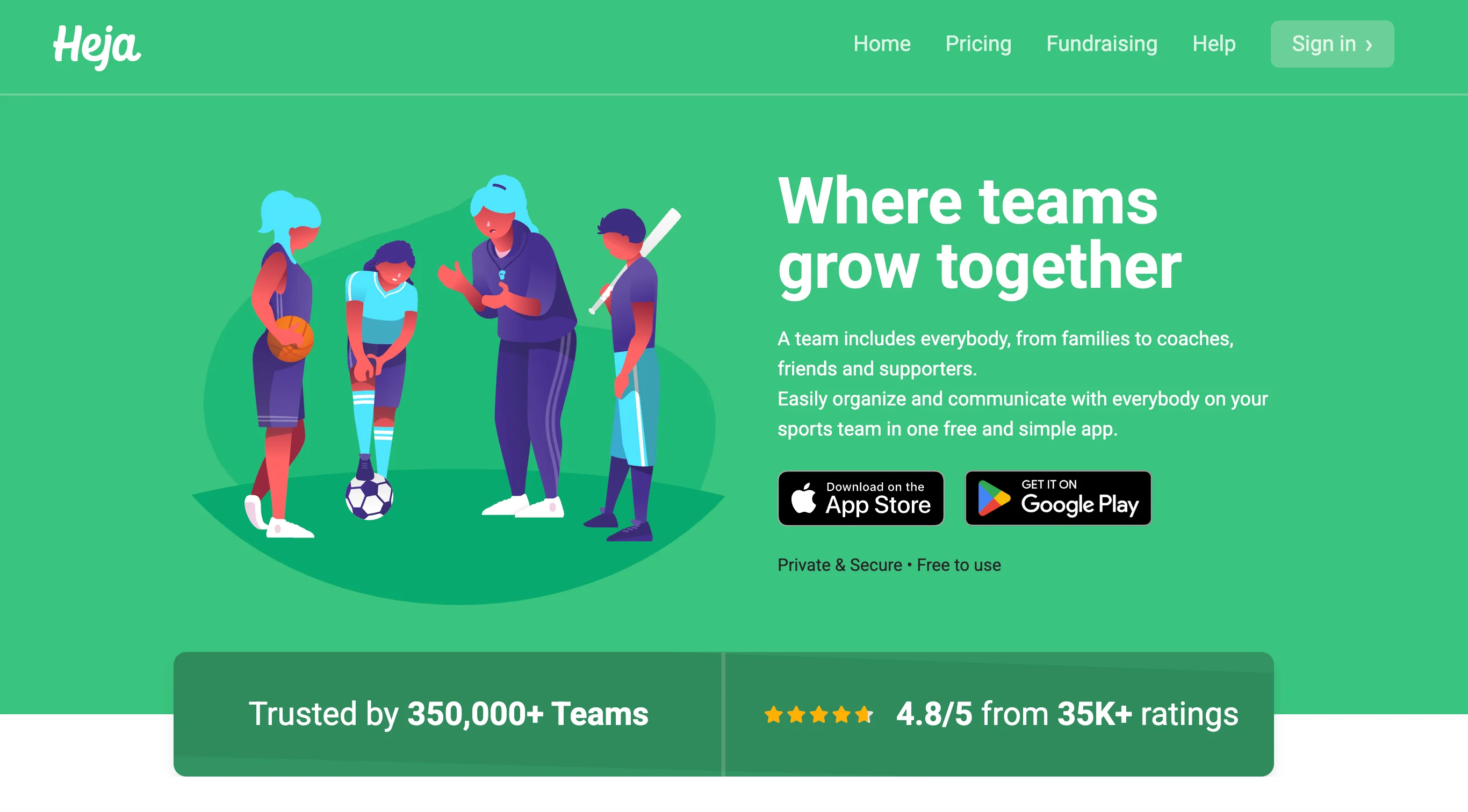
Best for: Single-coach recreational teams focused on family communication.
Heja works well for coaches who need a simple, lightweight communication tool. A U8 soccer coach can use it to send practice reminders, collect RSVPs, and coordinate carpools without much setup.
Its limitations become more noticeable as your program grows since it’s meant for a single team admin. If you're managing multiple teams, collecting registrations online, or handling payments, you may outgrow it over time.
Before committing, check Heja's current pricing and feature set directly on its website, as plans and offerings can change over time.
7. Teamer
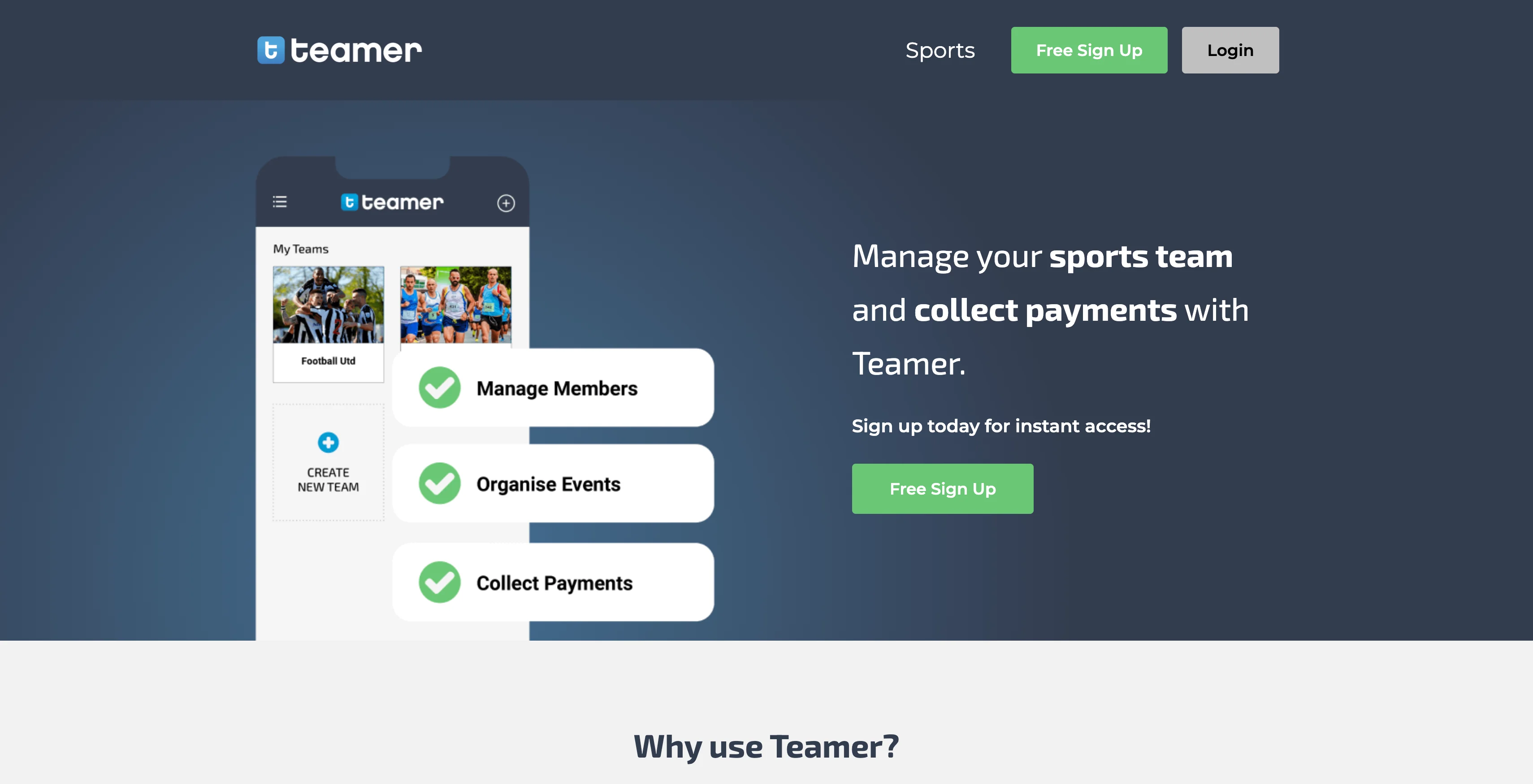
Best for: Teams that need basic attendance tracking and availability management.
Teamer focuses on availability polling and simple payment collection, which may work well for a casual adult soccer club tracking who can make Saturday's match.
Before committing, take a look at recent updates, support resources, and overall product activity. A platform that receives regular updates is generally easier to rely on over the long term.
If your primary goal is knowing who’s available each week, Teamer may be worth a look. Leagues evaluating broader league management needs should compare it with more full-featured alternatives.
8. SportEasy
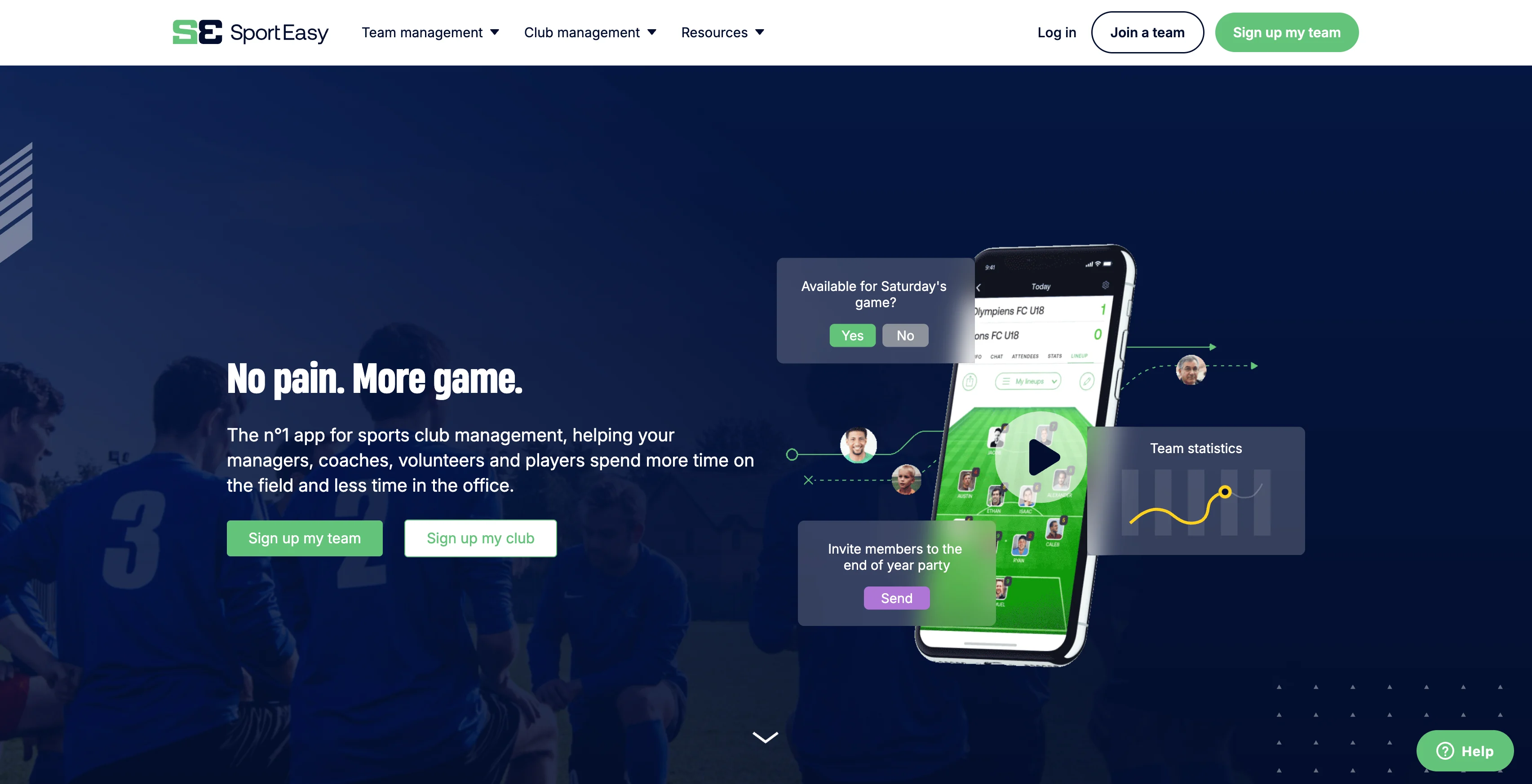
Best for: Amateur clubs with members or partner organizations across Europe.
SportEasy is primarily a European product, and that matters when evaluating fit. Pricing is listed in euros, and the platform is designed around European club structures more than the typical U.S. rec league or travel team model.
A recreational soccer league in Ohio would likely find it a poor match.
If your organization is based in the U.S. or Canada, confirm payment support, pricing structure, and feature availability before investing time in setup.
9. WhatsApp
Best for: Small, informal groups that only need basic group messaging.
WhatsApp works well for a pickup crew or a one-off tournament chat where the primary goal is to share game times and other updates.
Once a group needs registration, payment collection, scheduling tools, or targeted messaging by age division, WhatsApp starts to show its gaps. It doesn’t provide the admin controls and organization features that many youth sports programs rely on.
For leagues that manage more than one team, a dedicated sports platform is usually a better fit.
Find the right fit and get your team connected
If you're coordinating a single team, a simple group chat might be enough. But for recreational leagues with multiple age groups, seasonal registration periods, and ongoing schedule updates, communication alone isn’t enough.
Volunteer-run programs frequently need registration, scheduling, payments, and family communication to work together in one place. Jersey Watch is designed for league commissioners and board members who want to simplify day-to-day operations without having to stitch together multiple tools.
Ready to bring registration, scheduling, payments, and communication into one place? Start your free Jersey Watch account today.
FAQs
What is the difference between a sports communication app and a sports management platform?
A communication app focuses on messaging, scheduling, and availability tracking for a single team or group. A sports management platform bundles those tools with registration, payment collection, and league administration into a single platform. If you're running a multi-team league or recreational club, a full platform may save more time than a standalone chat tool.
Can I use WhatsApp or GroupMe instead of a dedicated sports team app?
WhatsApp and GroupMe can work for very small or informal groups that only need a basic group chat. For youth sports organizations managing multiple teams, age divisions, or seasons, these tools lack admin controls, targeted messaging, and scheduling features that dedicated apps provide. They may also not provide the privacy safeguards that organizations working with minors need.
What should youth sports organizations look for in a safe communication app?
Look for admin controls that limit who can post, send messages, or access participant information. Purpose-built sports apps often include parent-only access settings and role-based permissions that open group chats can't match. For organizations working with minors, those privacy controls are an important safeguard.
What app do coaches use to communicate with players and parents?
Coaches at the youth and recreational levels commonly use dedicated sports apps such as Jersey Watch, TeamSnap, sportsYou, or Heja to send announcements, share schedules, and communicate with families. The right choice depends on whether you need basic messaging or a broader platform that handles registration and payments as well. Volunteer-run programs often benefit most from tools that are easy to set up without any technical background.
How much do sports team communication apps cost?
Pricing ranges from free plans with limited features to paid plans that bundle communication with registration, scheduling, and payment tools. Free apps may work well for a single team on a tight budget, but leagues managing 50 or more participants often find that a paid platform pays for itself in time saved. Jersey Watch plans start at $29 per month when paid annually and include communication tools, registration, and website features.

Sierra SwigertOperations Manager
Sierra Swigert is the Operations Manager at Jersey Watch. She works directly with youth sports organizations every day and writes educational resources based on her firsthand experience supporting league administrators and volunteers, as well as her background competing in cross country and track.


