
You've got three apps open in different browser tabs, a spreadsheet from last season that's already out of date, and registration night is six weeks away. Picking the best soccer league management app feels urgent and a little overwhelming.
A soccer league management app is software that helps a league handle registration, payments, waivers, schedules, and parent communication in one place. The best one is the app that matches your league's size, budget, and season complexity without creating more work for the volunteers already doing too much.
That factor matters a lot for volunteer-run organizations. A tool that takes a tech-savvy staff member to run isn't a great fit for a board of three people who also coach on weekends.
This guide compares the top options side by side: pricing, features, and who each one fits. So you can make a clear decision before your next season opens.
What features should you look for in a soccer league management app?
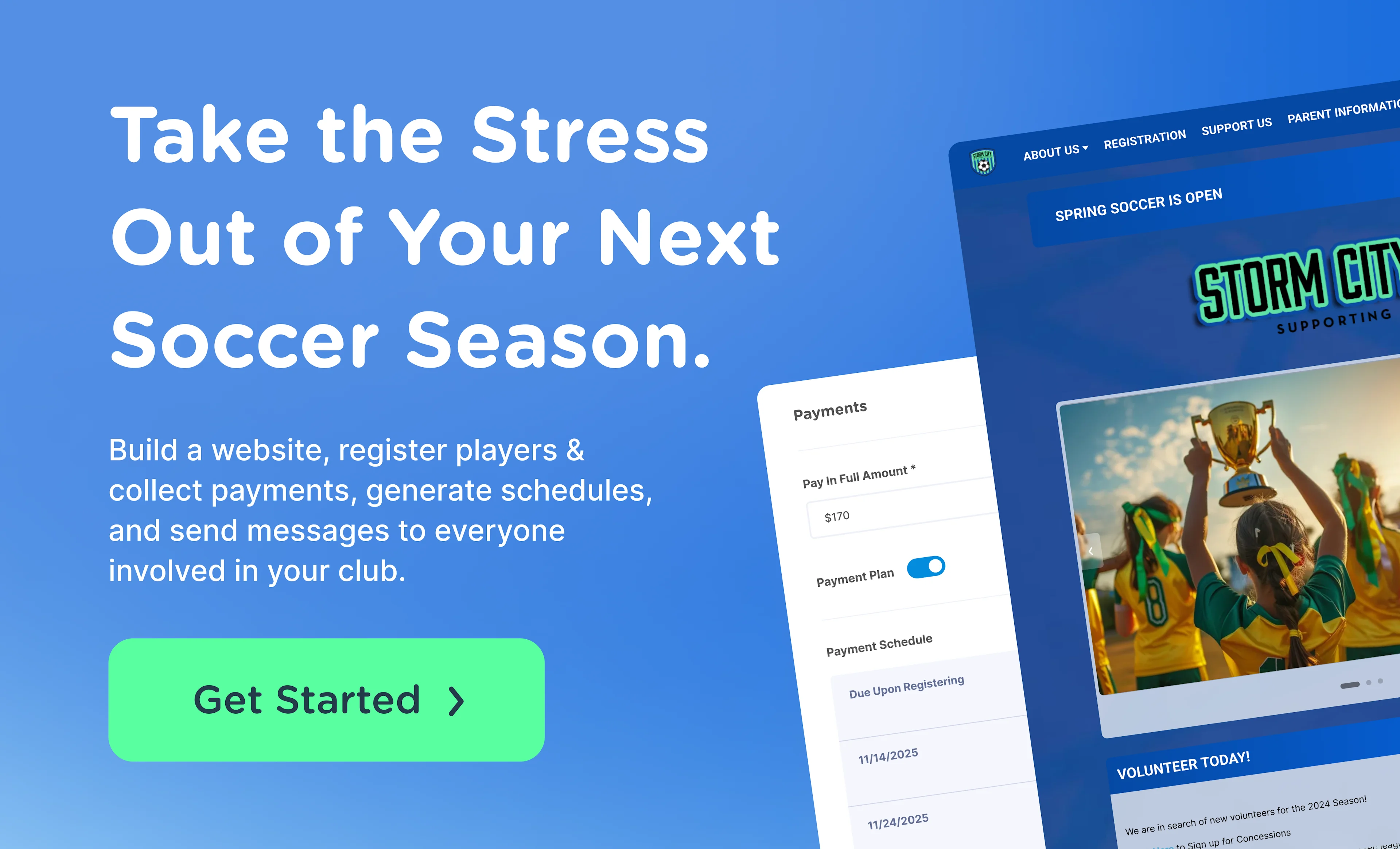
A soccer league management app should handle registration, payments, safety compliance, and multi-team scheduling in one place. Most of these features use a custom website as the backbone for their functionality.
These are the workflows that can consume the most volunteer hours with primarily manual processes. With high school sports participation hitting a record 8.26 million in 2024-25, including gains in boys' and girls' soccer, reliable tools matter more than ever.
One volunteer registrar replaced paper sign-up packets for a fall rec league with five age divisions using a single online form. No more chasing checks at practice. Still planning your program? First, read how to create a soccer league, then evaluate league management software options.
Online registration and secure payments
Online registration lets families sign up and pay directly from their phones, eliminating the need for paper forms, cash, and checks.
When comparing platforms, look at both the base subscription price and the payment processing fee. Those two numbers together tell you the real cost.
Picture a league with 200 players tracking, before opening weekend, who paid in full, who used a sibling discount, and who enrolled in a payment plan. That visibility used to require a spreadsheet and three follow-up emails. Now it's one dashboard.
Before next season opens, list every field your registration form needs to collect:
- Age group
- Uniform size
- Emergency contact
- Position
Getting that list right upfront means fewer parent questions and a smoother sign-up experience for everyone.
Waivers, background checks, and safety compliance
Good soccer league software handles digital waivers, background checks, and child-data safeguards so volunteers aren't chasing paper packets or toggling between separate screening tools.
Think about a small rec league screening every coach and assistant before the first practice. That status (cleared, pending, expired) should live inside the platform next to each coach's profile, not buried in a board member's email thread.
Digital waivers belong in the same system, collected at registration and stored where any board member can find them quickly.
For players under 13, COPPA governs how platforms collect and store registration data, so confirm your software handles that before your next season opens.
Scheduling, communication, and mobile access
Soccer leagues need one place to manage divisions, brackets, field conflicts, and family messages fast, from any device.
Picture a Saturday morning rainout. One commissioner has to cancel games across three age groups, update the website, and notify 200 families before they leave home. That's not manageable through group texts and spreadsheets. A good platform lets you push one update and reach everyone immediately.
Parents should be able to check schedules, field locations, and cancellations directly from their phones without calling anyone or digging through email threads.
⚠️ One important note on messaging: if your league communicates directly with players under 18, follow NFHS guidance on messaging minor athletes. Most recommendations include keeping communication in group channels rather than direct one-on-one messages with minors.
Before next season, confirm your platform handles tournament brackets and weather rescheduling without requiring a workaround.
Comparison at a glance
The fastest way to pick the right soccer league management app is to apply the same criteria to every option at once.
App | Price | Best fit | Registration & payments | Scheduling | Communication |
Jersey Watch | $19 first month, then $348 per year, billed annually | Small (50-500 players) volunteer-run rec leagues | Online forms, waivers, flat processing fee | Multi-division season schedules | Email and text broadcasts to families |
TeamSnap ONE | Custom pricing | Mobile-first clubs | Integrated registration | Team and league scheduling | Mobile-first group messaging |
SportsEngine HQ | Custom quote | Large associations | Full registration suite | Multi-program scheduling with RSVP function | Broadcast messaging |
LeagueApps | Custom setup fee + % of transaction | Organizations with large payment volume | Highly customizable forms | Season and camp scheduling | Automated and chat messaging |
TeamSideline | Flat annual, contact for amount | Municipal rec programs | Built-in registration | Division and bracket tools | League-wide alerts |
Two patterns stand out: flat pricing makes budgeting straightforward, while custom quotes require a conversation before you know your real cost. Scheduling-first tools suit growing clubs; full admin platforms serve leagues managing registration, safety, and communication in one place.
The best soccer league management apps
Jersey Watch leads this list for small volunteer-run soccer leagues, but the right pick depends on your league's size, budget, and complexity. For a broader look at team tools, see this sports team management software comparison.
1. Jersey Watch
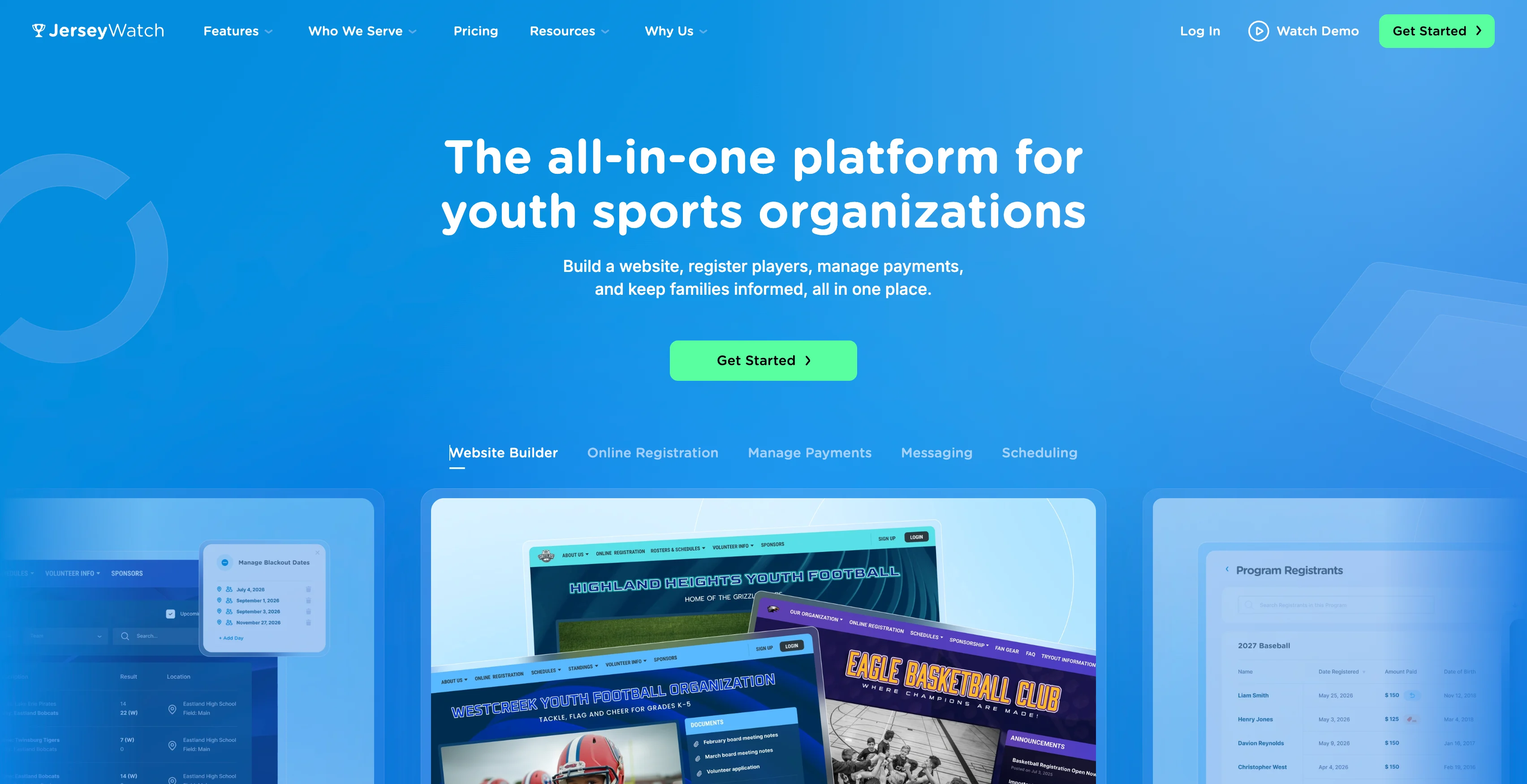
Best for: Small, volunteer-run soccer leagues that want registration, payments, and a league website in one place with, no technical skills needed.
Jersey Watch is built around the tools small leagues use most: online registration, payment collection, scheduling, and parent communication, with a custom domain name, website design assistance, and content migration support included at no extra cost.
Unlike scheduling-first tools built mainly around fixtures and standings, it handles both club-level administration and league-wide registration, payments, and communication on a single platform. So you're not stitching together separate tools for the parts of running a league that go beyond the schedule.
Imagine a volunteer-run fall soccer league with no paid staff. One board member needs to open registration, publish age-group schedules, and message 200 families all before the first practice. Jersey Watch handles that entire workflow without requiring anyone to touch code or call a developer.
Pricing: Jersey Watch starts at $19 for the first month, then $348 per year, billed annually. That flat structure makes it easy for a volunteer board to budget before the season starts.
If you're ready to get your league online, get started free and see how quickly the setup goes.
2. TeamSnap ONE
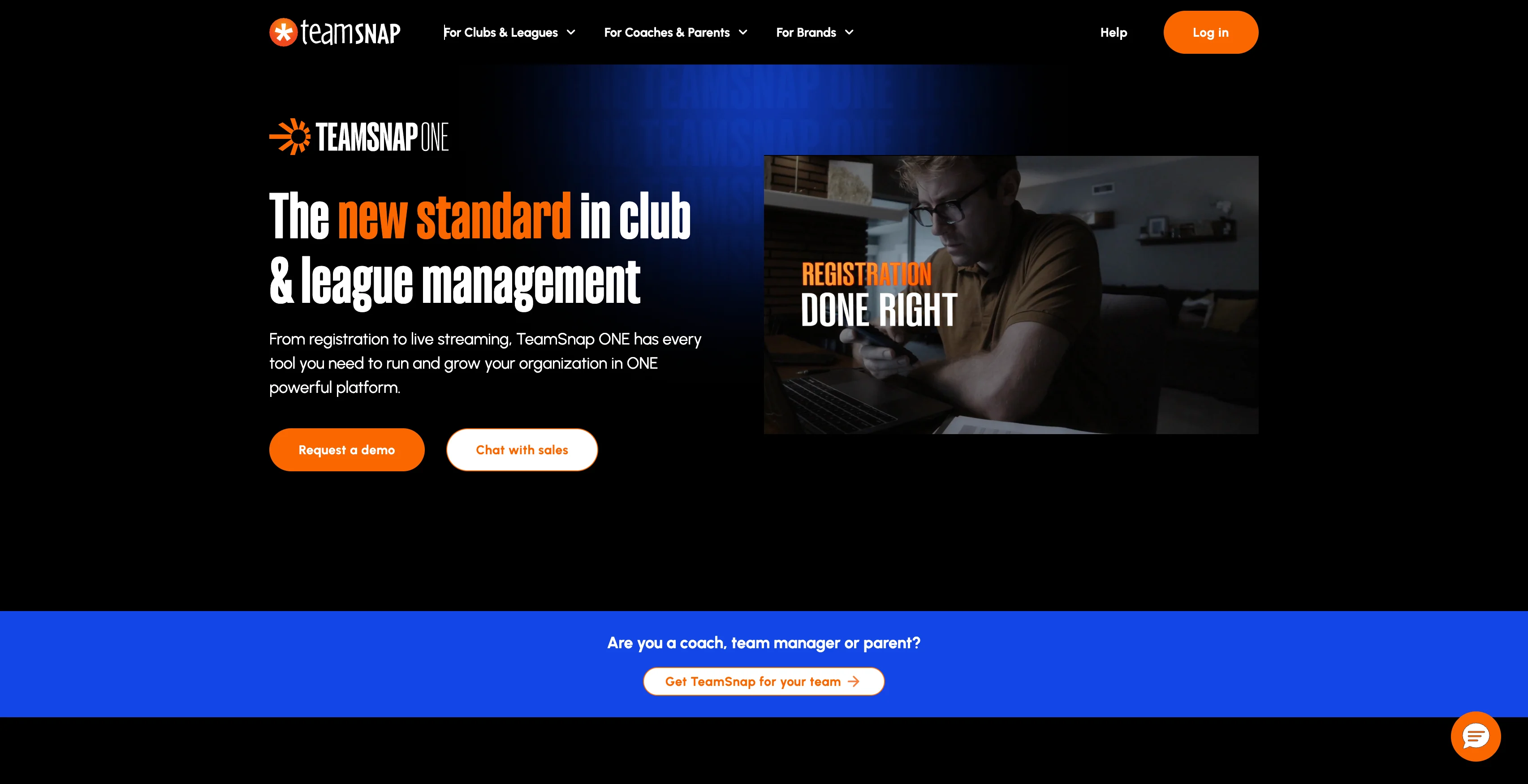
Best for: Clubs that want unified admin and communication inside one mobile-friendly platform their community already trusts.
TeamSnap ONE is a strong fit for clubs where coaches and parents already live inside the TeamSnap app and want their admin side to match that familiar experience.
The platform is built around mobile-first communication, so roster updates, schedule changes, and team messages flow through the same ecosystem that families already check. A club that switched to TeamSnap for team communication a few seasons ago can extend that same login into full league administration without retraining anyone.
Pricing: Pricing varies by plan and organization size. Before budgeting, verify current TeamSnap ONE pricing directly on their website. Third-party listings often mix it up with the separate coach and parent apps, which have entirely different tiers.
3. SportsEngine HQ
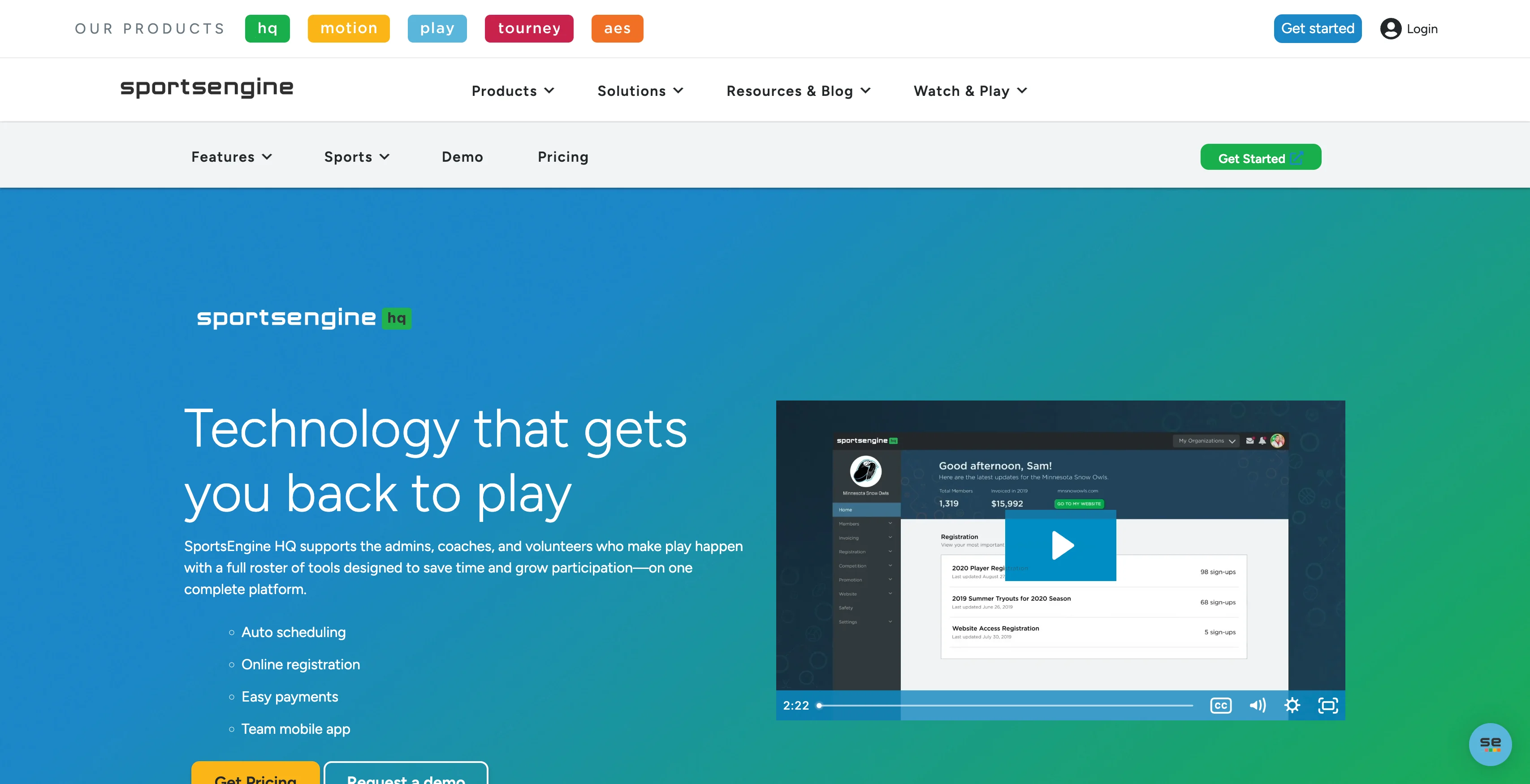
Best for: SportsEngine HQ is built for larger, association-affiliated soccer organizations that need serious administrative oversight across multiple programs and staff roles.
Think of a regional soccer association managing dozens of teams, multiple age divisions, and several staff members who each need different access levels. That kind of complexity calls for a platform with deeper controls than most small leagues ever need.
Pricing: SportsEngine HQ uses custom quotes and doesn’t publish a flat monthly rate or transaction fee. You'll need to contact their team directly for a number that fits your program's size and structure. Also, plan for a longer setup process and a pricing conversation before you can compare it against flat-rate options.
4. LeagueApps

Best for: Organizations with a large payment volume that have dedicated staff who can evaluate a custom quote and absorb transaction-based costs.
LeagueApps is built for larger multi-program clubs that need serious registration flexibility and operational depth. A travel soccer club running spring leagues, summer camps, and year-round registrations will find the customization options genuinely useful.
Pricing: Before budgeting, review the LeagueApps pricing page carefully. There's no published subscription rate. You'll need to request a quote. Pricing runs on a percentage-of-transaction model, plus a one-time setup fee. Optional add-ons carry annual fees on top of that. If your club runs one rec season with a small volunteer board, those layered costs can add up fast. Run the numbers against last season's registration totals before committing.
5. TeamSideline

Best for: Municipal rec leagues and parks department programs running multiple seasons on one platform.
TeamSideline is a natural fit for city-run soccer programs that need a dependable, website-centered system. Picture a city rec soccer program running U8 through U14 divisions across fall and spring. One league website handles both seasons without rebuilding from scratch each time.
Pricing: According to TeamSideline's FAQ, pricing is flat annual with no per-transaction fees and no setup charges. The core plan bundles registration, scheduling, communications, a mobile app, and a league website. Tournament management, officials' tools, and membership modules cost extra. If your league needs advanced tournament tools, budget for those add-ons separately before committing.
Which soccer league management app fits your league?
League size, staffing, and budget should drive your decision more than any feature list. A local rec league with volunteer coaches has different needs than an expanding club or a travel program running year-round. If your organization manages multiple teams across several seasons, you may need sports club management software instead.
Small, volunteer-run leagues
Small leagues need a simple, affordable tool that volunteers can learn fast. No technical setup required. Think of a rec soccer board with one registrar, one treasurer, and a handful of volunteer coaches handling sign-ups after their day jobs. When your software is straightforward, parents get fewer confusing steps, which means fewer frantic emails to your registrar. Jersey Watch fits this description well, with no setup fees and quick onboarding so your team can launch registration without a learning curve.
Growing clubs adding more teams and seasons
When a club expands from one fall rec season into spring travel teams and summer camps, registration, scheduling, and coach screening all multiply fast. The U.S. Center for SafeSport's Minor Athlete Abuse Prevention Policies provide the safeguarding framework every club should follow as more coaches and teams are added.
➡️ Before choosing a platform, audit what you have today: how coach screening is tracked, how age-group registration is organized, and how season communications reach families. That gap list tells you exactly what your next system needs to handle.
Larger or travel programs with bigger budgets
Bigger travel programs need more than basic tools. They need advanced tournament scheduling, multi-team communication, and real oversight as complexity grows. The SafeSport 2025 annual report highlights how safeguarding responsibilities scale alongside program size.
A regional travel program running bracket play across multiple weekend events, with coaches and families spread across several teams, needs a platform that handles that operational load without dropping details.
➡️ Practical takeaway: Compare platforms on how they handle complexity and oversight, not just feature lists.
How much does soccer league software really cost?
Soccer league software pricing combines a base subscription with payment-processing fees, and both numbers matter when you're budgeting. Some platforms publish flat annual rates; others require a custom quote. A board comparing options for 300 players, for example, might find a flat annual plan easier to budget than a percentage-based model where costs shift with every registration collected.
Monthly plans, custom quotes, and payment fees
Flat pricing tells you what you'll spend before the season starts. Custom quotes don't. And that difference matters when a volunteer board is working from a tight budget.
Jersey Watch uses flat pricing: $19 for the first month, then $348 per year, billed annually, plus a 3.5% + $1 processing fee per transaction. That structure makes budgeting straightforward.
SportsEngine HQ and LeagueApps both use custom or quote-based models. LeagueApps charges a percentage of each transaction, a one-time setup fee, and annual fees for optional add-ons. Without published rates, boards have to request a quote before they can compare real numbers.
TeamSideline uses flat annual pricing with no per-transaction fees, though no specific rate is published. TeamSnap ONE pricing should be confirmed directly on their site before committing.
➡️ One practical step: Pull last season's player count and average registration fee, then multiply by the processing percentage to estimate transaction costs. Add that to the annual subscription. Do this for each platform you're considering so you're comparing total cost, not just the headline price.
How do you switch from spreadsheets or another app?
Switching platforms goes smoothly when you first export your rosters and contact lists, then choose a platform that handles setup for you. Jersey Watch includes free content migration and website design help which is finished within one business day. Your volunteers can focus on opening registration and getting families signed up.
Exporting your current league data
Before you touch any new platform, pull everything out of your current system first. That data usually lives in Google Sheets, old registration exports, or board email attachments.
Follow these steps:
- Export rosters.
- Export registration records.
- Export contact lists.
- Remove duplicate entries.
- Confirm no fields are missing.
For example, a registrar might combine last season's player list, unpaid balances, and coach contact info into one clean CSV before switching systems.
Setting up registration and payments
Finish your registration setup before the season opens so families encounter one clean process from the start.
- Build the registration form.
- Add waivers.
- Set fees and discounts.
- Enable payment collection.
- Test the parent flow before launch.
A youth soccer form might collect age group, uniform size, emergency contact, and coach-volunteer interest all in one place.
Running that test yourself before opening day catches broken payment steps before a parent does.
Letting families know what's changing
One clear message does more than a week of back-and-forth. Send families one email or text that includes the new registration link, explains payment steps, and tells them where to find schedules and updates. Add one contact name for questions.
A board sending that single message to 250 soccer families avoids fielding the same payment and link questions all week. Short and specific beats thorough and confusing every time.
Save time managing your soccer league with Jersey Watch
The best soccer league management app is the one that fits your league’s size, budget, and workload without creating more work for volunteers.
Jersey Watch brings registration, payments, scheduling, communication, and your league website into one simple platform, so you can spend less time on admin and more time supporting your players.
FAQs
What is the best app to manage a youth soccer league?
The best app depends on your league's size, budget, and season complexity. Small volunteer-run leagues often do best with a platform that combines registration, payments, website tools, schedules, and communication in one place. Larger travel programs may need deeper scheduling controls and more advanced multi-team communication, so the right fit comes down to how complex your season is.
How much does soccer league management software cost?
Costs range from flat annual plans to custom quotes depending on the platform. Jersey Watch runs $348 per year after a $19 first-month fee, billed annually, plus a 3.5% + $1 processing fee. Before budgeting, estimate your player count and average registration fee to compare total costs across pricing models.
What features should soccer league management software include?
Good soccer league software covers online registration, secure payments, digital waivers, background checks, scheduling, communication, and mobile access in one place. Scheduling tools should handle real soccer situations (like pushing a Saturday rainout to all three age groups at once) without requiring a phone tree.
Can volunteers use league management software without technical experience?
Yes. Most modern platforms are built for non-technical volunteers handling registration, schedules, and parent communication. A part-time coach can set up a registration form during a lunch break without any prior experience. Guided setup tools walk you through each step.
How do soccer leagues collect registrations, payments, waivers, and schedules online?
Soccer league management apps typically combine registration, payment, waiver, and scheduling tools into one connected online system. Families fill out a digital form, sign waivers electronically, and pay fees by card or ACH instead of using cash or paper forms. Schedules, standings, and rosters then update automatically, so coaches and parents always see the latest game and practice details.

Sierra SwigertOperations Manager
Sierra Swigert is the Operations Manager at Jersey Watch. She works directly with youth sports organizations every day and writes educational resources based on her firsthand experience supporting league administrators and volunteers, as well as her background competing in cross country and track.


